
Your Home Page Tutorial
Your Dashboard
Keep organized and see your upcoming gigs, favorite charts, recent charts edited and your shared charts,( this feature is available with a Pro Account). Go to the account page to change from Light Mode to Dark Mode

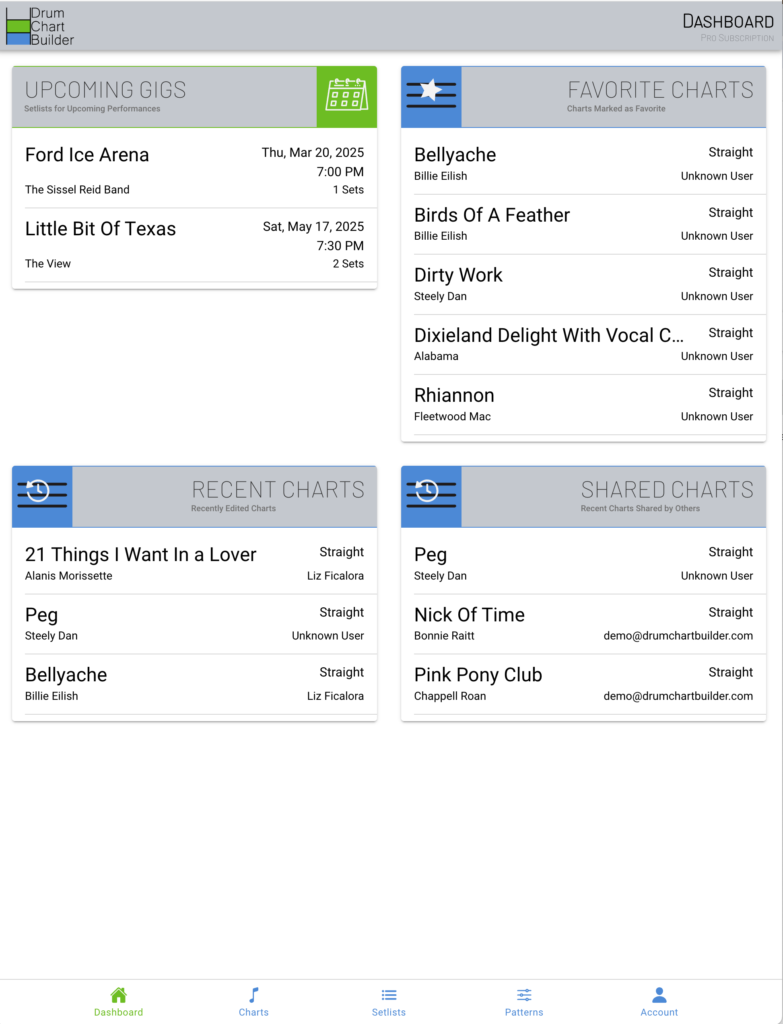
Upcoming Gigs
This category is automatically chooses the setlists from the date of your up and coming performances

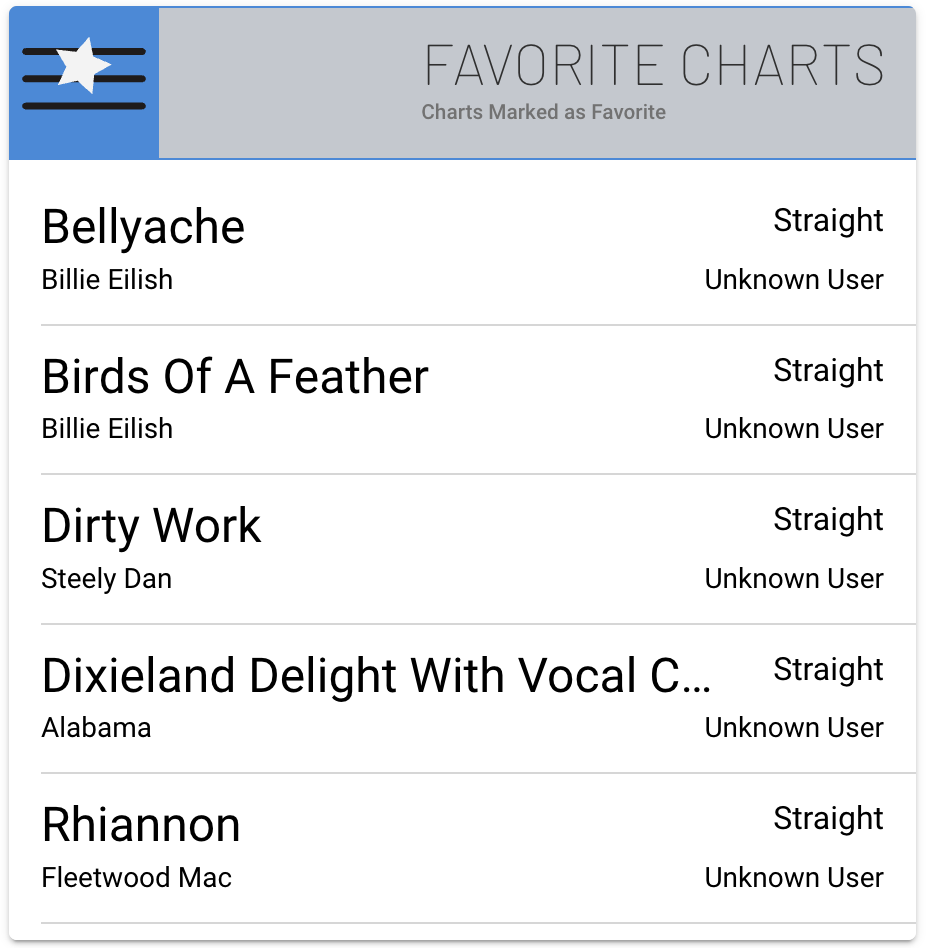
Favorite Charts
By choosing the Star icon in the chart card in the Drum Chart Library page, these charts will show up here on the dashboard.

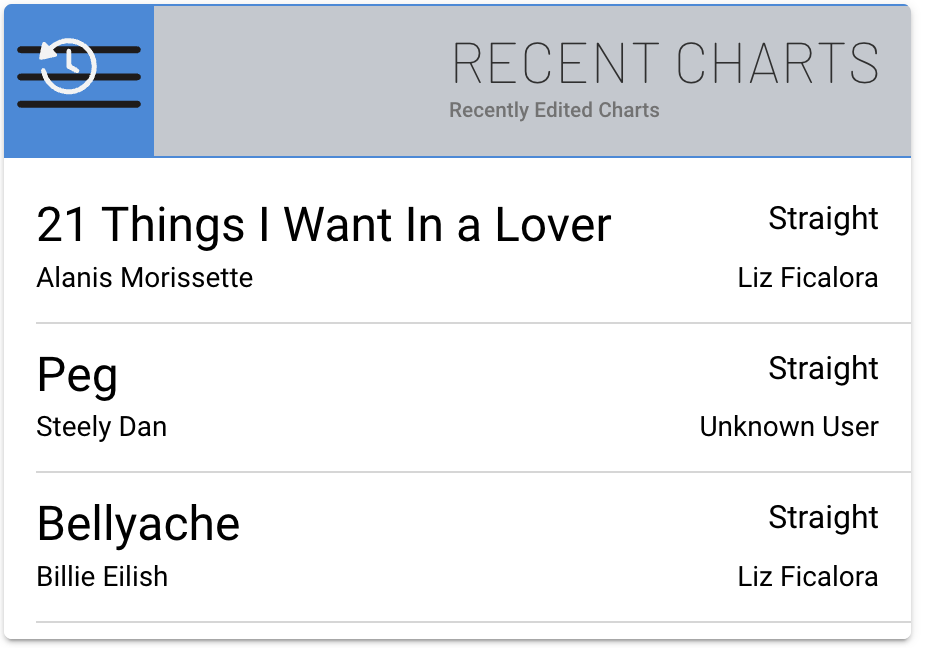
Recent Charts
This catagory will show the charts you 3 recent charts that you have worked on.
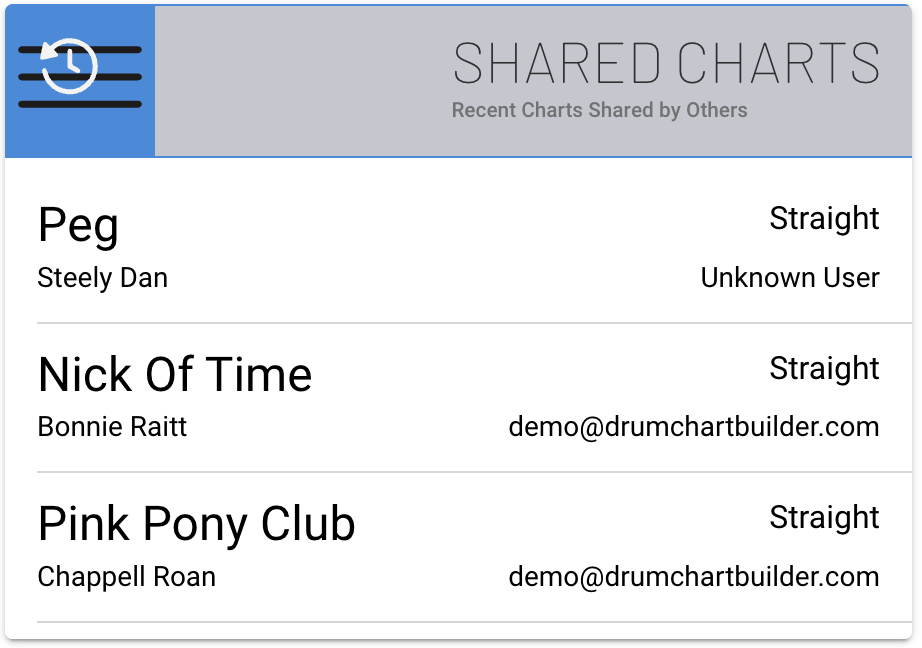
Shared Charts
This catagory will keep you aware of the charts you have shared or charts that have been shared with you from other drummers and students.
Menu Bar
This is the main menu bar to choose which page you would like to see or close.
Dashboard icon will open the main starting page
Charts icon will open your chart library
Setlists icon will open your performance song lists
Patterns icon will open your library of drum pattern and the Shared Preset Drum Pattern library
Account icon will open your account page

